
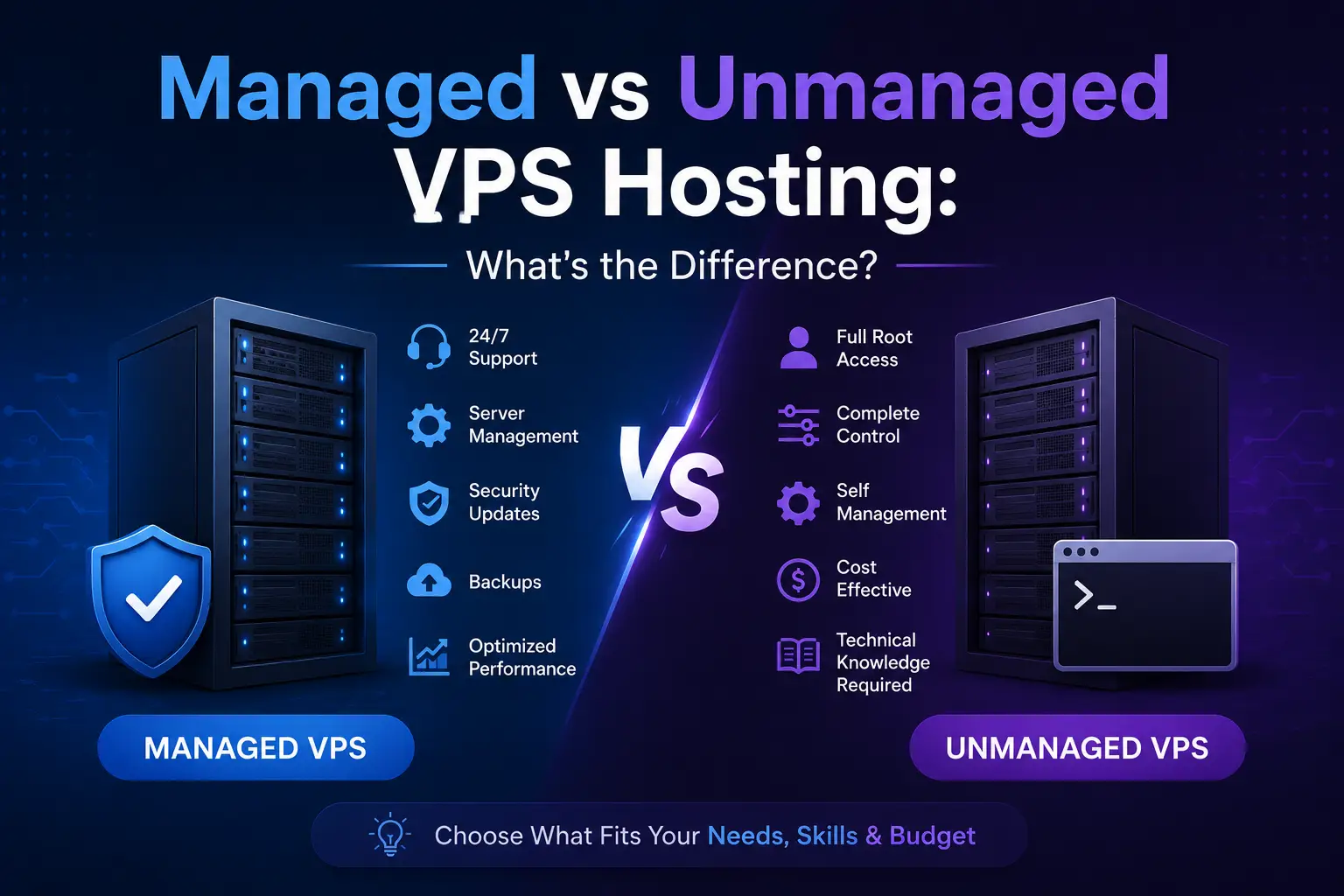
Quick answer: The managed vs unmanaged VPS decision comes down to who handles server maintenance. With managed VPS, your hosting provider handles updates, security patching, monitoring, and troubleshooting, so you can focus on your application instead. With unmanaged VPS, however, you get root access and full control — but you take on responsibility for everything from OS updates to security configuration yourself. As a result, managed VPS typically costs more, while unmanaged VPS costs less but demands more technical involvement.
If you’re trying to decide which fits your business, this guide breaks down the real differences in cost, control, support, and security.
Managed vs Unmanaged VPS: Key Differences
| Managed VPS | Unmanaged VPS | |
|---|---|---|
| Server maintenance | Provider handles it | You handle it |
| Cost | Higher monthly fee | Lower monthly fee |
| Technical skill required | Minimal | Moderate to advanced (Linux/Windows admin knowledge) |
| Root access / control | Often limited or shared | Full root access |
| Security patching | Provider applies updates | You apply updates yourself |
| Setup & configuration | Pre-configured, ready to use | You configure the OS, stack, and software yourself |
| Support | 24/7 support for server issues | Limited to hardware/network, not your OS or apps |
| Best for | Businesses without in-house sysadmins | Developers, agencies, and teams with server management experience |
What Is Managed VPS Hosting?
With managed VPS hosting, the provider takes care of the operating system, security updates, server monitoring, backups, and troubleshooting. You still get a virtual private server with dedicated resources, but the hosting company carries the day-to-day maintenance burden instead of you.
Consequently, this is the better fit if your team doesn’t have a dedicated system administrator, or if your priority is running your application rather than maintaining server infrastructure.
What Is Unmanaged VPS Hosting?
Unmanaged VPS hosting gives you the virtual server with root access and nothing else — no OS updates, no security patching, no managed backups, and no application-level support. Instead, you install your own OS, configure your own stack, and handle ongoing maintenance and security yourself.
Therefore, this option suits developers, agencies, and businesses with their own system administration expertise who want full control without paying for management they don’t need.
Managed vs Unmanaged VPS: Cost Comparison
Cost is usually the first thing businesses compare. Managed VPS plans cost more because that premium covers the provider’s engineering time — patching, monitoring, and support staff on call for your server.
Unmanaged VPS, on the other hand, is significantly cheaper at the same resource tier because you only pay for raw compute, storage, and bandwidth — not the management layer on top. So, if you (or your team) already have the skills to maintain a server, unmanaged VPS becomes the more cost-effective choice.
Managed vs Unmanaged VPS: Support and Maintenance
This is the core tradeoff in the managed vs unmanaged VPS decision. With managed VPS, a real support team monitors uptime, applies patches, and steps in if something breaks — so you’re not on the hook when a missed update causes downtime.
Unmanaged VPS support, by contrast, typically covers only the physical infrastructure and network. In other words, if an OS misconfiguration or application crashes the server, you troubleshoot it yourself, not the provider.
Managed vs Unmanaged VPS: Security
Security responsibility shifts entirely based on which option you choose. With managed VPS, the provider applies OS and security patches on a schedule, monitors for vulnerabilities, and often includes basic hardening as part of the service.
With unmanaged VPS, however, you alone are responsible for keeping the OS patched, configuring the firewall, securing SSH/RDP access, and responding to vulnerabilities as vendors disclose them. Because of this, an unpatched unmanaged VPS becomes a common attack vector — so this option only makes sense if you have the discipline and expertise to stay on top of it.
Which Should You Choose?
Choose Managed VPS if:
- You don’t have an in-house system administrator
- You want to focus on your application, not server maintenance
- You need guaranteed support if something goes wrong
- A missed patch or misconfiguration would hurt your business
Choose Unmanaged VPS if:
- You or your team have server administration experience
- You want full root access and control over the configuration
- You’re optimizing for the lowest possible hosting cost
- You’re running a dev/test environment where you control every layer anyway
Either way, our team can help. Get in touch — we offer both managed and unmanaged VPS plans and can help you size the right one. If you’re also weighing the OS, check our guide on Linux VPS vs Windows VPS; if you’re outgrowing VPS entirely, see VPS vs dedicated server hosting.
Frequently Asked Questions
What is the difference between managed and unmanaged VPS hosting? Managed VPS hosting means the provider handles server maintenance, updates, and support. Unmanaged VPS, by contrast, gives you full root access but makes you responsible for all maintenance, patching, and security yourself.
Is managed VPS more expensive than unmanaged VPS? Yes. Managed VPS costs more because the price includes the provider’s ongoing maintenance, monitoring, and support. Unmanaged VPS is cheaper, since you only pay for raw server resources.
Do I need technical skills for unmanaged VPS hosting? Yes — unmanaged VPS requires comfort with server administration, including installing and configuring the OS, applying security patches, and troubleshooting issues without provider support.
Which is better for beginners, managed or unmanaged VPS? Managed VPS is generally better for beginners, since the provider handles maintenance and security that would otherwise require server administration experience.
Can I switch from unmanaged to managed VPS later? In most cases, yes — though it may involve a plan change or migration depending on your provider. So, it’s worth confirming with your host before committing to either option long-term.
Started Today
Want to set up a professional call center?
Contact E Tech Solvers for complete VPS solutions.